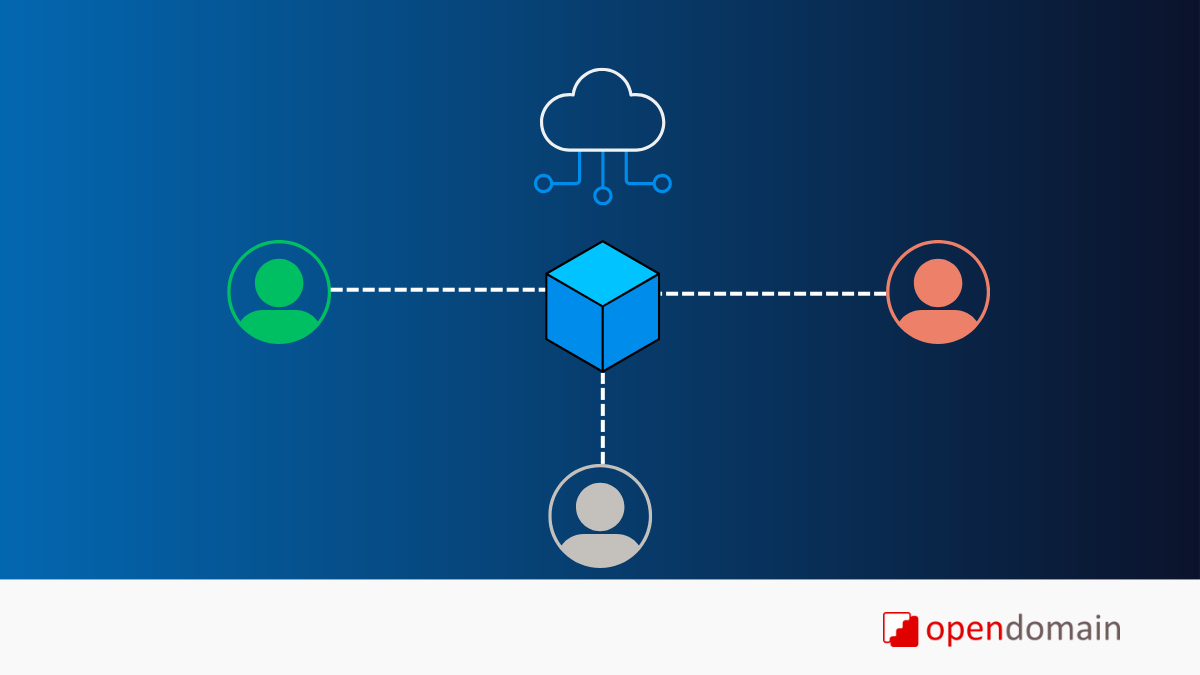
If you’re a small engineering team or a cloud-first business, you may be looking for a cloud Product Data Management (PDM) solution that can handle SolidWorks files without the overhead of managing servers.
In this article, I’ll cover:
- Cloud PDM alternatives for SolidWorks
- Key differences between cloud and on-premise PDM
- Benefits of using a cloud PDM solution
- Why cloud PDM is ideal for small engineering teams
Let’s dive deeper into each topic.
Cloud PDM Alternatives for SolidWorks
There are several traditional PDM solutions, but they are primarily on-premise and require servers, IT support, and maintenance. Fortunately, there are now several cloud PDM alternatives that work well with SolidWorks.
Here are some leading options:
- Vistapoint PDM – Designed for small engineering teams and startups, Vistapoint PDM provides a simple, modern, and affordable way to manage all your CAD and project data in one place.
- 3DEXPERIENCE – Dassault Systèmes cloud platform that extends the SolidWorks ecosystem to the cloud, offering integrated tools for data management, collaboration, and PLM.
- Bild – A newer, cloud-native solution focused on hardware teams, offering collaboration features and integrations with other PLM tools.
- OpenBOM – A PDM/PLM platform with strong Bill of Materials (BOM) management and multi-CAD support, accessible directly in the cloud.
If you’re looking to move away from traditional, server-based systems, these SolidWorks cloud PDM alternatives can help simplify your workflow.
Cloud vs. On-Premise PDM
The main difference between cloud PDM and on-premise PDM lies in where your data is hosted and how it’s managed.
On-Premise PDM
On-premise PDM solutions run on servers owned and maintained by your company. Your company is responsible for:
- Purchasing and managing hardware
- Handling backups, firewalls, and security
- Installing updates and maintaining uptime
This approach gives you a little more control but comes with higher costs, setup time, and ongoing maintenance responsibilities.
Cloud PDM
With cloud PDM for SolidWorks, your data is hosted on reliable, secure infrastructure — typically from providers like Microsoft Azure or Amazon AWS.
Cloud PDM vendors manage security, backups, updates, and performance so your team can focus on engineering instead of IT. Most solutions include a web interface and, in some cases, a desktop app or connector to help manage local CAD files.
For a deeper look at this topic, check out a detailed comparison: PDM Software: Cloud vs. On-Premise for Small Teams
Benefits of Cloud PDM for SolidWorks
Choosing a cloud PDM system for SolidWorks offers several key advantages:
- Easier setup and deployment
- Access from anywhere
- Lower cost and maintenance overhead
Easier Setup
Cloud PDM solutions are quick to deploy. You don’t need to install backend servers or configure databases. Most platforms include an intuitive web interface, making it easier for engineers to get started with minimal training.
Always Accessible
Cloud PDM systems are available anytime, anywhere. Platforms hosted on providers like Microsoft Azure typically guarantee 99.95% uptime, so your team can securely access CAD data from the office, at home, or on-site with customers.
Lower Cost
With cloud PDM, you avoid the expense of purchasing and maintaining servers, SQL licenses, and other infrastructure. Updates and new features are automatically rolled out by the vendor, reducing the burden on your IT team and lowering your total cost of ownership.
Why Cloud PDM Fits Small Engineering Teams
For small engineering teams and startups, adopting a cloud PDM for SolidWorks offers a balanced mix of performance, affordability, and scalability.
- Startups benefit from faster setup and no-server deployment.
- Small teams gain centralized control over CAD files without complex IT dependencies.
- Remote or hybrid teams can collaborate in real time from anywhere.
In short, cloud PDM helps smaller teams work like large ones, without the overhead.
Vendor Lock-In Considerations
One valid concern when evaluating cloud PDM software is vendor lock-in. While your data is stored on the vendor’s infrastructure, many providers now offer open APIs or data export options to ensure flexibility.
Even with on-premise PDM systems, you’re still often tied to vendor tools for migration or data export. When evaluating any PDM platform, make sure you understand data ownership and migration procedures before committing.
Key Takeaways: Choosing the Right Cloud PDM for SolidWorks
If your team is struggling to manage CAD files, version control, or collaboration, a cloud PDM solution for SolidWorks can simplify your operations and deliver faster ROI.
Key benefits:
- Quick to implement and easy to use
- Secure and always accessible
- Lower setup and maintenance costs
Solutions like Vistapoint PDM are purpose-built for small engineering teams, offering the simplicity and flexibility you need without the complexity of traditional PDM systems.
Book a demo to see how Vistapoint can help your team manage your SolidWorks data more efficiently and discuss if a cloud PDM is right for your business.